

Table of Contents
- Why Vacation Rental Photo Verification Matters
- Run a Reverse Image Search for Vacation Rental Photos
- Vacation Rental Photo Red Flags to Watch For
- Questions to Ask a Vacation Rental Host
- Verify Vacation Rental Property Location and Current Condition
- Common Mistakes That Let Bad Listings Slip Through
- Conclusion
- Frequently Asked Questions
Last Updated: October 12, 2026
Why Vacation Rental Photo Verification Matters
Learning how to verify vacation rental photos protects your trip budget and your peace of mind. It takes about ten minutes and a few free tools.
We are Cape Coral Vacation Homes & Rentals LLC, and we manage waterfront villas on Florida’s Gulf Coast. We have seen how photo mismatches erode guest trust.
Fake listings often reuse photos from real properties. Others use outdated images or AI-generated rooms. A quick check catches both before you pay a deposit.
Below, we walk through a full verification workflow.
Photo verification is not about distrust. It is a standard booking habit, like reading reviews or checking cancellation terms.
Run a Reverse Image Search for Vacation Rental Photos
A reverse image search is the fastest way to check if listing photos appear elsewhere online. You upload or paste an image, and the tool shows you every place it has been published.
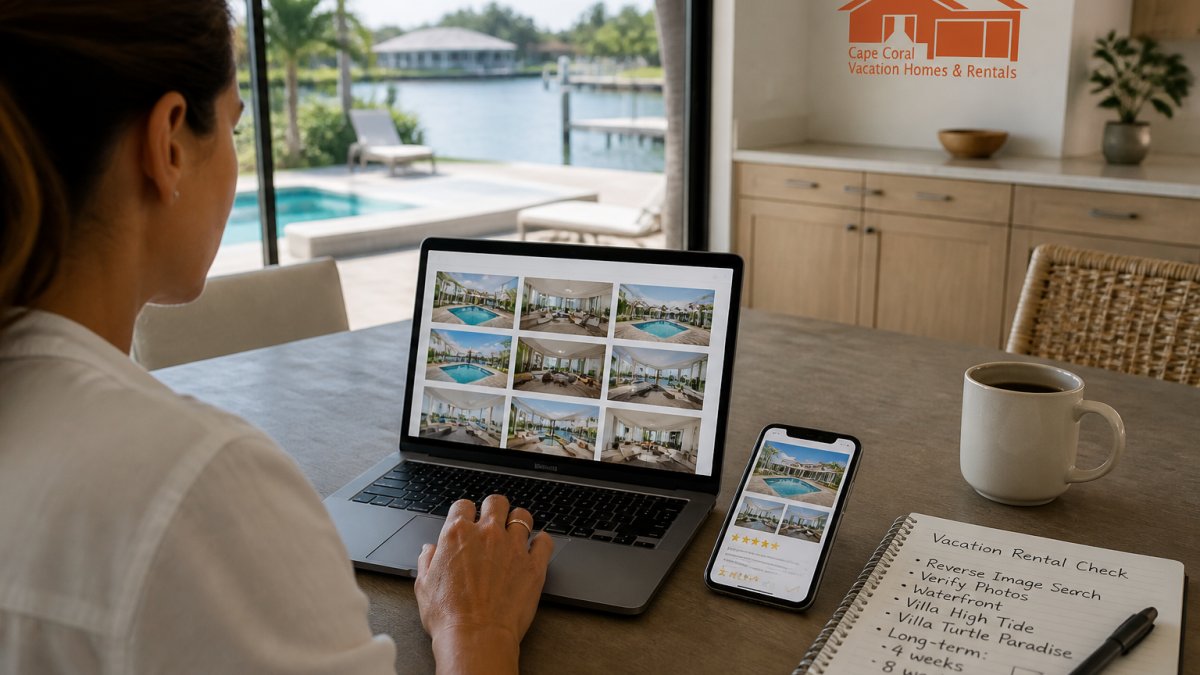
Google Images, Bing Visual Search, and TinEye all offer this for free. Each one indexes different sites, so results can vary. That is why we suggest running the same photo through at least two tools.
Step-by-Step Workflow Across Multiple Tools
- Save each listing photo to your device. On desktop, right-click and choose “Save image as.” On iPhone, long-press the photo and tap “Save to Photos.” On Android, long-press and tap “Download image.”
- Open Google Images in a browser. Click the camera icon inside the search bar, then upload the saved file. On mobile, you may need to request the desktop site because the camera icon is sometimes hidden in the mobile interface.
- Scan the results. Google groups matches under “Exact matches” and “Visual matches.” Exact matches are the ones that matter most.
- Repeat the same photo on Bing Visual Search (click the camera icon next to the search bar) and TinEye (upload or paste the image URL). TinEye sorts results by “oldest” first, which helps you find the original source.
- Compare results across tools. Look for the same photo attached to different addresses, cities, or hosts.
- Note any matches in a simple list before moving to the next photo.
Focus on exterior shots, the pool, and the kitchen. These are the hardest photos to fake and the easiest to steal. Bedroom close-ups matter less because they look similar everywhere.
How to Interpret Matches, Partial Matches, and No-Match Results
A match is not automatically a scam. The same property can be listed on multiple platforms by the same owner, and stock or builder photos sometimes appear on several legitimate sites. What matters is context:
- Exact match on a different address or city. Strong red flag. Ask the host to explain before you pay anything.
- Exact match on the same property, different platform. Usually fine. Confirm the host name and contact details match across platforms.
- Partial match (same room, different furniture or paint). Could be an older photo set or a different unit in the same building. Ask for a current photo of that room.
- No match at all. This is common and not a red flag by itself. New listings, private hosts, and photos taken by the owner often return nothing. Move on to the next check.
A common pattern is a scammer stealing a photo set from a real listing, flipping the image horizontally, and re-uploading it. A horizontal flip defeats some exact-match searches. If a photo looks familiar but returns no match, try cropping to a distinctive feature (a unique light fixture, a pool shape, a view) and search that crop instead.
What to Do After Finding Suspicious or Stolen Photos
Do not confront the host with accusations. Instead, gather evidence and pause. Save screenshots of every match, including the other listing’s URL and the date you captured it. Screenshot the original listing too, in case it is taken down later.
Then take one of three paths:
- Ask the host for fresh photos of the same rooms, taken today, with a specific detail in frame (see the script in the next section).
- Report the listing to the booking platform’s trust and safety team. Airbnb, Vrbo, and Booking.com all have a report option on the listing page.
- Walk away if the host dodges your request or gets defensive.
If you already paid, contact your payment provider right away. Many cards offer fraud protection for rental scams. Report the listing too, so the next traveler does not fall for it.
Reverse image search is a screening tool, not a verdict. A clean result does not prove a listing is real, and a match does not always prove fraud. Use it alongside the other checks in this guide.
Vacation Rental Photo Red Flags to Watch For
Certain patterns show up again and again in fraudulent listings. Train your eye to catch them early.
- Photos that look like a hotel, not a home
- Rooms with no personal touches, no towels, no coffee maker
- Images that are slightly blurry or oddly cropped
- The same furniture in two listings with different addresses
- Stock-photo style shots of beaches or skylines that are not near the property
- Descriptions that mention amenities you cannot see in any photo
One red flag alone means little. Three or more together should stop you cold.
Duplicate Photos, AI Images, and Editing Limits
Duplicate photos are the clearest sign of a copied listing.
AI-generated images are harder to catch. Look for warped lines, strange shadows, or furniture that melts into the wall. Count the fingers on any people in the frame.
Editing is normal and not a red flag by itself. Hosts brighten photos and widen angles all the time. What matters is whether the edited photo still shows the real space.
Image files often carry hidden data called metadata. Scammers strip it out. Do not rely on metadata alone to prove a photo is real or fake.
Questions to Ask a Vacation Rental Host
Direct questions reveal more than any tool. A legitimate host answers quickly and specifically. A scammer stalls, deflects, or pushes you to pay off-platform.
Ask these before you book:
- Can you send a short video walkthrough of the home today, walking from the front door to the pool?
- What is the exact street address, and which beach or landmark is closest?
- Who manages the property locally if something breaks?
- How many guests can sleep here, and how many parking spots are there?
- What is your cancellation policy in writing?
Watch how fast they reply. Watch whether their answers match the listing. A host who cannot name the neighborhood is a host worth skipping.
How to Request Fresh Verification Photos Safely
Asking for new photos is completely reasonable. Frame it as a routine request, not an accusation.
Try this script:
“Hi! We are excited about your place. Before we book, could you send two or three photos taken today, like the pool area and the main bedroom? If you can include a handwritten note with today’s date next to the coffee maker or on the kitchen counter, that would be perfect. A quick phone shot is fine. We always ask this before booking.”
The dated note is the key detail.
Most professional hosts will happily comply. If a host refuses, gets defensive, or sends only old listing photos again, treat that as a red flag.
What a legitimate host can reasonably provide:
- Two or three phone photos taken today, not a professional shoot
- A short video walkthrough (30 to 60 seconds is plenty)
- A dated note or a specific object you request in frame
What a legitimate host may not be able to provide:
- Photos of every single room on short notice
- A live video call, especially across time zones
- Photos of a property they manage remotely through a local co-host
If the host manages remotely, ask the local co-host or property manager to send the photos instead.
Never send money before you get those photos. Never move the conversation to a private messaging app or a wire transfer.
Save the dated verification photos. If the property looks different on arrival, those photos are your evidence for a platform dispute or a card chargeback.
Verify Vacation Rental Property Location and Current Condition
Open a maps app and search the address. Switch to satellite view. Compare the roof shape, pool position, and driveway with the listing photos.
Then check the condition. Photos from five years ago may show a home that has since aged. Ask the host when the photos were taken.
For long stays, this matters even more. A four-week booking in a home with a broken dock or worn furniture is a long four weeks.
Here is a quick summary of the full verification process:
| Step | What to Do | Time Needed |
|---|---|---|
| Reverse image search | Run key photos through two or three tools | 10 minutes |
| Red flag scan | Check for duplicates, AI edits, stock shots | 5 minutes |
| Host questions | Ask about address, manager, video tour | 1 day wait |
| Location check | Compare address with satellite view | 5 minutes |
| Fresh photos | Request same-day shots of main rooms | 1 day wait |
Common Mistakes That Let Bad Listings Slip Through
The biggest mistake is trusting photos because the listing looks polished. Scammers invest in good design. A clean page proves nothing.
Other common errors:
- Only checking one photo instead of the full set
- Skipping the reverse image search because the price seems fair
- Paying a deposit before asking any questions
- Ignoring reviews that mention photo mismatches
- Booking through social media or a standalone website with no platform protection
A common mistake is treating a low price as a lucky find. In vacation rentals, a price far below similar homes usually signals a scam, not a deal.
One more thing most guides miss: verify the property manager, not just the owner. A local manager with a real business presence is a strong sign the listing is genuine. Ask who handles check-in, maintenance, and emergencies.
Conclusion
Bad listings thrive on rushed decisions. Ten minutes of photo checks, a few pointed questions, and a satellite view can protect your whole trip.
When you book with a professional manager, much of this work is already done for you. Guests can book waterfront vacation homes in Cape Coral like Villa High Tide and Villa Turtle Paradise with saltwater pools and private docks, with long-term stays of four or eight weeks welcome.
Frequently Asked Questions
How can I tell if vacation rental photos are real?
Start with a reverse image search on two or three engines to see if the same photo set appears on unrelated listings or stock sites. Check that interior and exterior shots match the property description, look for consistent lighting and season, and compare the listing across booking platforms and the owner’s own website. If the photos look staged but the details (dock, pool, room count) line up with the description and guest reviews, that is a good sign. When anything feels off, ask the host for a short video walkthrough before you pay.
What are the red flags in vacation rental listing photos?
Watch for duplicate photos reused across multiple listings, images that look like stock or AI-generated shots with no address cues, missing exterior or neighborhood photos, and heavy editing that hides damage or clutter. A listing with only wide-angle interior shots and no dock, street, or building exterior is worth questioning. Also flag photos that do not match the stated amenities, such as a private pool shown but not listed. If several red flags stack up, treat the listing as unverified and look elsewhere.
What should I ask a host if the photos seem outdated or unclear?
Ask for a short, unedited video walkthrough of the main rooms, the exterior, and any feature you care about most, such as the dock or pool. Request the property address or cross streets so you can confirm the location on a map. Ask when the photos were taken and whether anything has changed since. A responsive host with nothing to hide will answer quickly and send fresh images. Vague replies, pressure to book fast, or requests to pay off-platform are reasons to walk away.
Can vacation rental photos be reused from another listing?
Yes, and it is one of the most common tricks in rental fraud. Scammers copy a photo set from a real listing or a real estate site and paste it into a fake ad. A reverse image search usually exposes this: the same photos will appear on a different property, a sold home, or a stock photo site. Cross-check the photo set against the host’s other listings and any standalone website. If the same images show up under a different owner or address, do not book.